




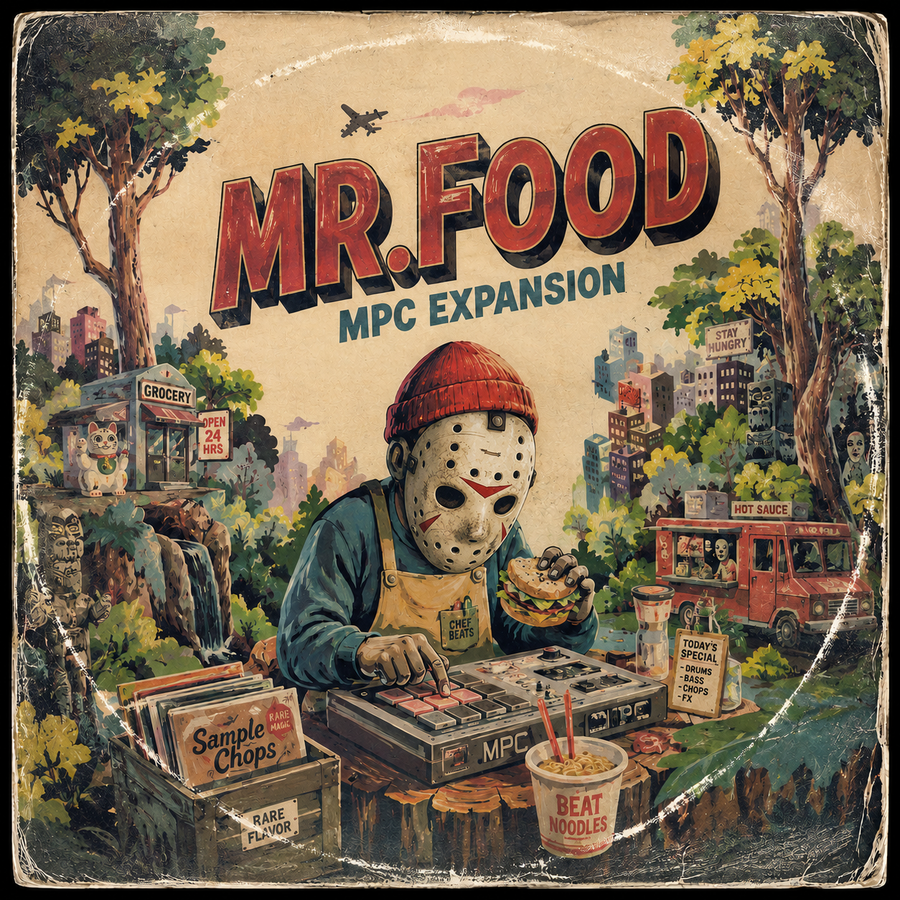
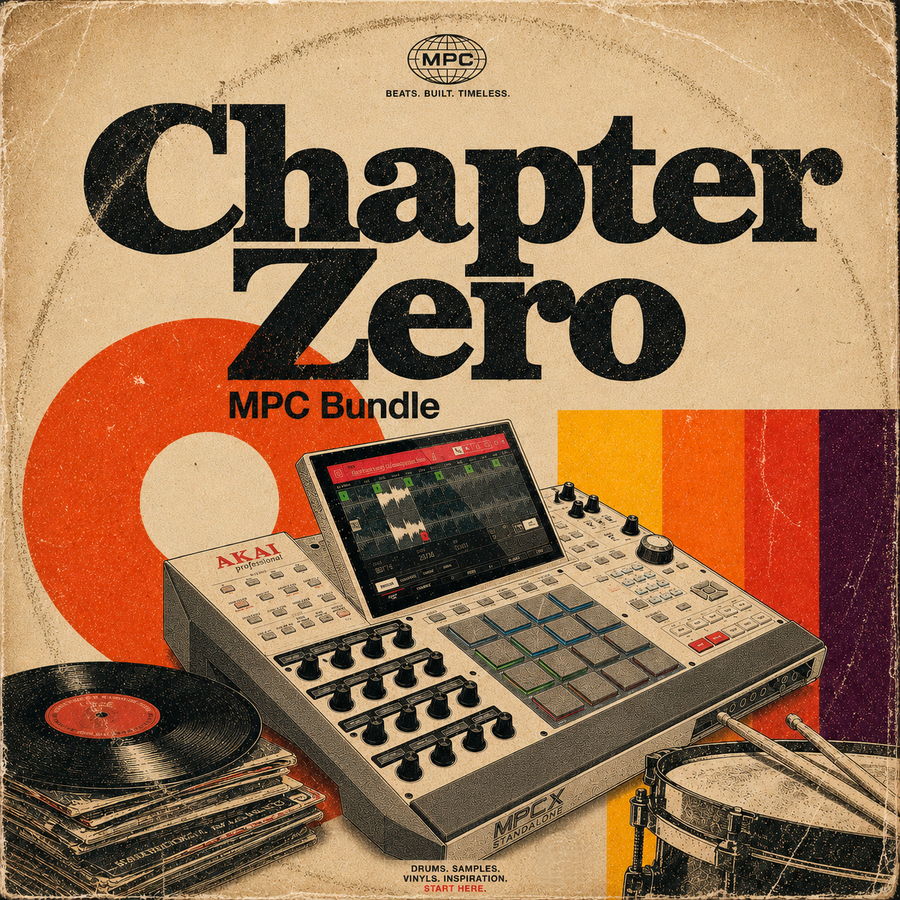
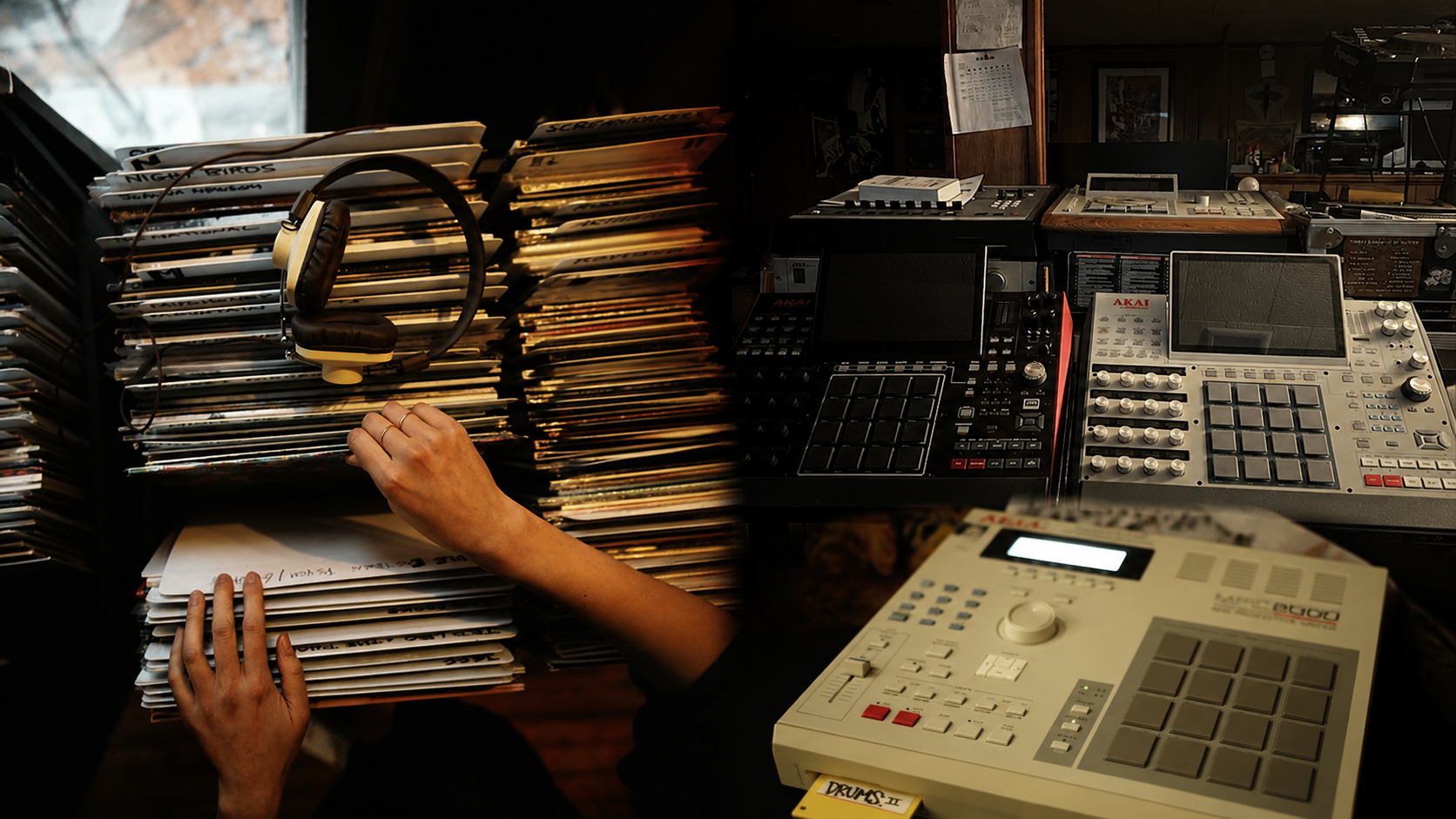
Sample packs and MPC expansions can contain many of the same types of sounds, but they are built for different ways of working.
A sample pack usually gives you WAV files that you can load into almost any DAW or sampler. An MPC expansion takes sounds and prepares them for the Akai MPC ecosystem, often with drum programs, mapped pads, keygroups, artwork, and a structure that appears inside the MPC Expansion Browser.
Neither format is automatically better. The right choice depends on your equipment, how much control you want, and whether you prefer building programs from scratch or loading a ready-made MPC setup.
This guide compares both formats in detail so you can choose the one that fits your workflow without buying content you do not need.
The Short Answer
Choose a sample pack when you want maximum compatibility, direct access to WAV files, and the freedom to organize or manipulate the sounds in any DAW or sampler.
Choose an MPC expansion when you work mainly inside the Akai MPC ecosystem and want kits, instruments, and sounds already organized for a faster loading and pad-based workflow.
Choose a product that includes both formats when you want ready-to-load MPC programs without giving up access to the original WAV files.
Sample Pack vs MPC Expansion at a Glance
| Feature | Sample Pack | MPC Expansion |
|---|---|---|
| Main purpose | Flexible sound source | Integrated MPC workflow |
| Typical files | WAV, sometimes MIDI | XPN, standalone folders, MPC programs, WAV |
| Compatibility | Any software or hardware that imports the included audio format | Compatible MPC hardware and MPC Software |
| Setup time | More manual organization and mapping | Programs and kits can be ready to load |
| Creative control | Maximum freedom from the beginning | Fast starting point with full editing after loading |
| Best for | DAW users, multiple samplers, custom organization | MPC users who want an integrated browser and pad workflow |
What Is a Sample Pack?
A sample pack is a digital collection of audio created for music production. Most packs are organized into folders and delivered as WAV files, which makes them compatible with a wide range of software and hardware.
Depending on the product, a sample pack may include:
- Melodic loops and compositions.
- Drum breaks and individual drum hits.
- Bass lines and bass one shots.
- Textures, atmospheres, and effects.
- Vocal fragments.
- Percussion and hi hat loops.
- MIDI files.
- Stems or separated musical parts.
The main advantage is flexibility. A WAV file can be dragged into a DAW timeline, loaded onto an MPC pad, chopped inside an SP-404, placed in Maschine, or imported into another sampler.
A sample pack does not normally decide how you must use the content. You can build your own programs, rename folders, create favorite collections, resample the material, and combine sounds from different packs.
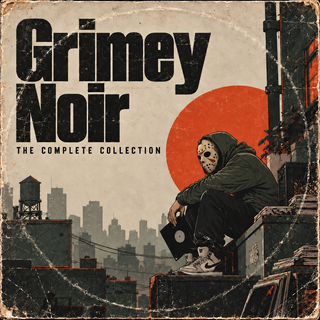
Browse the complete Soul Chemist Sample Packs collection for melodic samples, drums, loops, textures, and beatmaker toolkits supplied for flexible production workflows.
What Is an MPC Expansion?
An MPC expansion is a collection prepared specifically for the Akai MPC environment.
It can include the same WAV files found in a sample pack, but it also adds a layer of organization. Drum programs can place the sounds across the pads. Keygroup programs can make tonal samples playable across a keyboard range. Artwork and metadata can make the product appear as a named collection in the MPC Expansion Browser.
Common expansion content includes:
- Drum programs with mapped pads.
- Keygroup instruments.
- Samples, loops, basses, textures, and effects.
- XPN installation files for MPC Software.
- Prepared folders for standalone MPC hardware.
- MIDI patterns or sequences.
- Expansion artwork.
- Original WAV files, when included by the creator.
The benefit is not that the sounds are automatically better. The benefit is that they are prepared for a specific workflow.
For a deeper explanation of XPN files, standalone folders, programs, compatibility, and installation, read What Is an MPC Expansion and How Does It Work?.
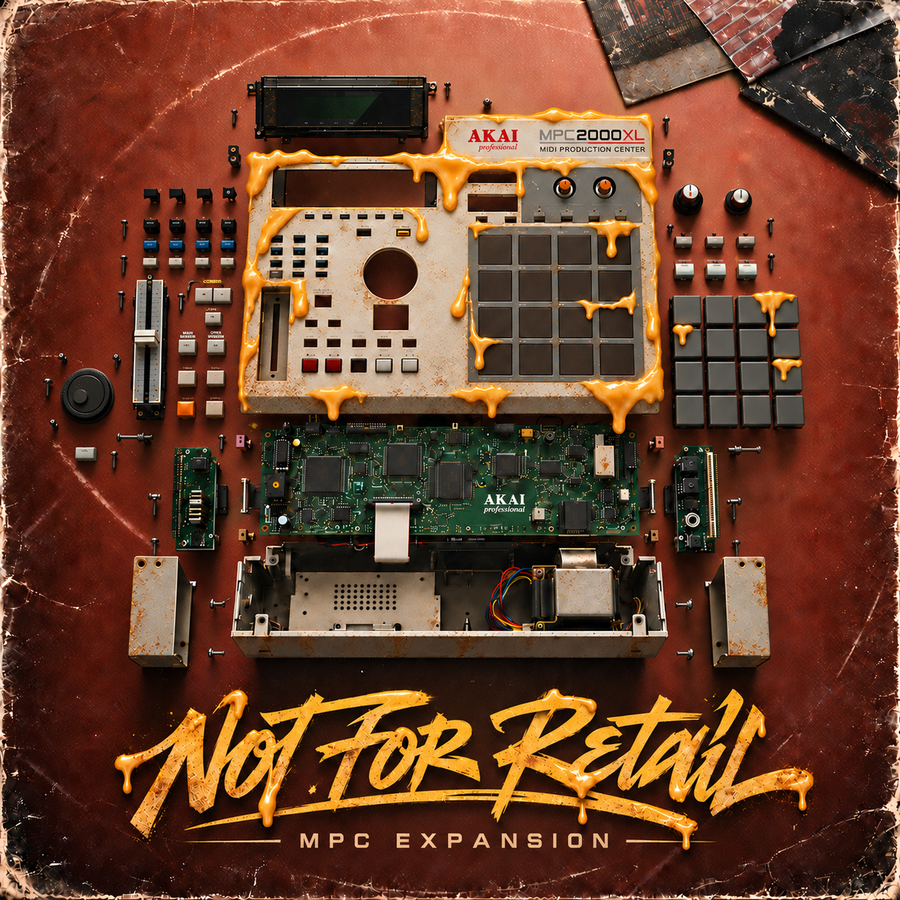
You can also browse the complete Soul Chemist MPC Expansions collection.
The Real Difference Is Workflow
Two products can contain the same kick, snare, sample, and texture, but feel completely different to use.
With a sample pack, you begin with files. You decide which sounds belong together and how they should be mapped.
With an MPC expansion, you can begin with a program. The creator has already made some of the organizational decisions, such as which sounds form a kit, where they sit on the pads, and how the product appears in the browser.
This difference affects speed, but it also affects creative direction.
A sample pack encourages open exploration. You may combine one loop from one pack, a drum break from another, and your own bass. An expansion encourages you to enter a prepared sound world and start performing with it immediately.
Choose a Sample Pack When You Want Maximum Compatibility
A sample pack is usually the safer choice when you use several production systems.
For example, you may produce in Ableton Live, chop drums on an SP-404, and move selected sounds to an MPC. A folder of high-quality WAV files can travel between all three.
A sample pack is also useful when you collaborate with producers who use different software. You can exchange audio files without asking whether everyone has the same MPC version or program structure.
Choose a sample pack when:
- You use Ableton Live, FL Studio, Logic Pro, Pro Tools, Cubase, Studio One, or another DAW.
- You work with several hardware samplers.
- You prefer creating your own pad layouts.
- You want to see every raw file directly.
- You build a carefully organized personal sample collection.
- You want the easiest format for long-term compatibility.
For setup help, the How to Import Samples guide explains how to extract, organize, and load WAV content into major DAWs and supported samplers.
Choose an MPC Expansion When You Want Speed Inside the MPC
An expansion is usually the better choice when the MPC is the center of your production setup.
Instead of building every drum program from the beginning, you can load a kit, play the pads, and begin sequencing. This removes preparation without removing control.
After loading a program, you can still:
- Replace individual samples.
- Move sounds to different pads.
- Change tuning and envelopes.
- Edit filters and effects.
- Create mute groups.
- Resample the complete kit.
- Save a new custom version.
Choose an MPC expansion when:
- You produce mainly on MPC Live, One, X, Key, or another compatible model.
- You want content to appear inside the MPC Expansion Browser.
- You prefer complete drum programs and keygroups.
- You work in standalone mode and want organized content on external storage.
- You use MPC Software as your main production environment or as a DAW plugin.
- You want to reduce setup time before each session.
Which Format Gives You More Creative Control?
At first glance, the sample pack appears to offer more control because nothing has been decided for you. That is true at the beginning of the process.
An MPC expansion, however, does not lock the sounds. It gives you a prepared starting point. Once loaded, you can edit the program in the same way you would edit one you created yourself.
The real question is when you want to make the organizational decisions.
- With a sample pack, you make them before the first pattern.
- With an expansion, you can start from the creator's setup and change only what the beat requires.
Producers who enjoy sound selection and program building may prefer the first route. Producers who want to perform immediately may prefer the second.
Which Format Is Better for Chopping Samples?
For open-ended sample chopping, a sample pack is often the most direct option.
You can preview complete compositions, drag them into a chopping page, set your own start points, pitch the material, and decide whether to use manual chops, threshold slicing, or equal divisions.
An expansion can also contain melodic samples, but the experience depends on how the creator organized them. Some expansions place samples inside complete kits. Others include the original WAV files in separate folders.
Choose a sample pack when the main goal is searching for source material and transforming it into something new.
Choose an expansion when you want samples, drums, basses, and effects already grouped into complete production kits.
Which Format Is Better for Drums?
Both can be excellent for drums.
A drum sample pack gives you direct access to breaks, kicks, snares, hats, and percussion. You choose the hits and build the program around the beat.
A drum-focused MPC expansion gives you complete kits that are already mapped and ready to play. It can be faster for finger drumming and standalone sessions.
Choose the sample pack when you want to combine sounds across many folders and build a personal kit.
Choose the expansion when you want a coherent kit to load immediately.
A hybrid product that includes both mapped programs and WAV files gives you the strongest combination. You can use the prepared program today, then rebuild or repurpose the sounds later.
Which Format Is Better for Standalone Hardware?
The answer depends on the hardware.
If you use an MPC in standalone mode, an expansion can offer the most integrated experience because it is designed for the MPC browser and program system.
If you use several devices, a sample pack can be more portable. The same WAV folder can move between an MPC, SP-404, Maschine+, computer, or another sampler that supports the format.
Ask yourself whether you want the product optimized for one central instrument or available across your complete setup.
Which Format Is Better for a DAW?
For a producer who works completely inside a DAW, a sample pack is usually the most direct purchase.
You can drag the audio onto the timeline, into a software sampler, or into the DAW browser without installing a separate format.
An MPC expansion still makes sense in a DAW when you use MPC Software as a plugin. In that setup, the expansion keeps its programs and pad mapping inside the MPC plugin while the main arrangement remains in the DAW.
Without MPC Software, the expansion is most useful only when it also includes the original WAV files.
Do MPC Expansions Sound Better Than Sample Packs?
No format guarantees better sound.
Sound quality depends on:
- The original recording or sound design.
- The processing chain.
- The file quality.
- The selection and editing decisions.
- The consistency of the complete product.
An expansion may feel more polished because its programs are balanced and organized. A sample pack may feel more flexible because you are hearing the raw sounds before program-level processing.
Judge the recording quality and creative direction, not only the file extension.
Do You Need an MPC to Buy an MPC Expansion?
You should only buy an MPC expansion for its prepared programs when you use compatible MPC hardware or MPC Software.
However, some expansions include the original WAV files. In that case, the audio may still be useful outside the MPC.
Before purchasing, check the product description for:
- XPN compatibility.
- Standalone compatibility.
- Included WAV files.
- Required MPC Software or operating system version.
- Any plugin dependencies.
Do not assume every expansion contains loose WAV files. The product-specific description should always take priority.
What Should You Check Before Buying Either Format?
1. File formats
Confirm whether the product includes WAV, XPN, standalone files, MIDI, stems, or another format you need.
2. Compatibility
Check your DAW, sampler, MPC model, and operating system version.
3. Content type
Decide whether you need melodic samples, drum breaks, one shots, complete kits, keygroups, or a combination.
4. License
Read the individual product description and supplied licence. Product-specific terms should take priority over general assumptions about sample packs or expansions.
5. Organization
Look for clear folder names, useful kit structure, previews, and installation instructions.
6. Your real workflow
Do not buy for the workflow you imagine using one day. Buy for the equipment and process you use in real sessions.
A Simple Decision Test
Answer these questions:
- Is the MPC the main place where I start and finish beats?
- Do I want kits already mapped to pads?
- Do I want the collection visible inside the Expansion Browser?
- Would loading complete programs save me meaningful time?
If most answers are yes, choose an MPC expansion.
Now answer these:
- Do I regularly switch between different DAWs and samplers?
- Do I prefer building my own kits?
- Is direct access to universal WAV files my priority?
- Do I want to organize the content inside my existing folder system?
If most answers are yes, choose a sample pack.
When You Should Choose Both
Many producers do not need to choose one format permanently.
A product that includes an MPC expansion and the original WAV files gives you two workflows:
- Load the expansion when you want speed.
- Open the WAV folders when you want complete freedom.
This is especially useful when you produce on an MPC but collaborate with DAW users, or when you move between the MPC and another sampler.
For example, The Transmutation Expansion includes 30 complete MPC kits and more than 600 individual WAV files, so the content can be used as a prepared expansion or as a flexible audio source.
Which Soul Chemist Option Fits Your Workflow?
Choose Sample Packs
Use the Sample Packs collection when you want WAV content for chopping, arranging, resampling, and moving between different production systems.
Choose MPC Expansions
Use the MPC Expansions collection when you want complete programs, mapped kits, standalone compatibility, and a faster MPC-centered workflow.
Choose the Complete Archive
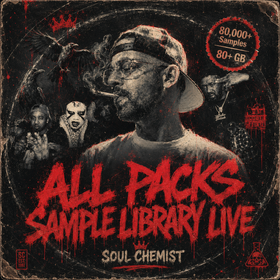
The All Packs Library contains more than 80,000 premium WAV samples and more than 80 GB of content. Annual and standard Lifetime Access focus on the sample library. The Lifetime Access plus MPC option adds the Soul Chemist MPC expansion collection.
This is the strongest option when you want a large universal WAV archive and the prepared MPC workflow together.
Choose a Custom Build
A Custom Sample Pack is built around your references and delivered as a focused source collection.
A Custom MPC Expansion adds the MPC-specific structure, programs, artwork, and installation format to a custom sound direction.
Common Buying Mistakes
Buying an expansion without checking compatibility
An expansion may require MPC Software, a standalone folder, or a particular system feature. Read the compatibility details first.
Buying a sample pack when you actually want complete kits
If you dislike building programs and always want to start from mapped pads, an expansion may save more time.
Buying an expansion only for the WAV files
If you never use MPC programs, a regular sample pack may offer a more direct workflow unless the expansion contains sounds unavailable elsewhere.
Choosing based only on the number of files
A smaller, coherent product can be more useful than a large folder of unrelated sounds. Consider how quickly the content helps you finish music.
Ignoring the licence
Never assume that every product has identical usage terms. Read the product-specific licence and description before using content commercially.
Frequently Asked Questions
Is a sample pack the same as a drum kit?
Not always. A sample pack can focus on melodic loops, compositions, textures, drums, or mixed content. A drum kit focuses mainly on rhythmic material such as one shots, breaks, hats, and percussion.
Is an MPC expansion just a ZIP file?
The download may arrive inside a ZIP, but the expansion itself is the organized content inside it. It may include an XPN installer, a standalone folder, MPC programs, artwork, and audio files.
Can I turn a sample pack into an MPC program?
Yes. Load the WAV files into the MPC, assign them to pads or keygroups, edit the program, and save it. The difference is that you create the organization yourself.
Can I use an MPC expansion outside the MPC?
You can use the included WAV files outside the MPC when the product supplies them. MPC-specific program files require a compatible MPC environment.
Which format is better for beginners?
A sample pack is easier to understand across different software. An expansion can be easier inside the MPC because the kits are already prepared. The best beginner format is the one that matches the equipment being used.
Which format is better for professional producers?
Professional use does not favor one format. Some producers want complete control over every program. Others use expansions to move faster. Many use both depending on the session.
Are sample packs and MPC expansions royalty free?
Licensing depends on the individual product. Check the product page and supplied licence. Do not rely only on the name of the format.
Does the All Packs Library include MPC expansions?
The MPC expansion collection is included in the Lifetime Access plus MPC option. The Annual and standard Lifetime options cover the WAV sample library without the complete expansion collection.
Final Verdict
Choose a sample pack for universal WAV compatibility, open-ended chopping, and complete freedom to build your own programs.
Choose an MPC expansion for mapped kits, organized browser access, and a faster workflow inside compatible Akai MPC hardware and software.
Choose both when the MPC is central to your setup but you still want raw WAV files for other DAWs, samplers, and future projects.
The right format is not the one with the most features. It is the one that removes friction from the way you actually make music.
Explore Sample Packs, browse the complete MPC Expansions collection, or compare all three access options inside the All Packs Library.


Share:
What Is an MPC Expansion and How Does It Work?
How to Organize Your Sample Library for MPC and DAW Production